
Start with confidence
A guided setup gets your business ready with clear, practical steps.
Manage sales, inventory, stores, customers, staff, and everyday business operations from one connected platform.

Bring sales, stock, stores, customers, and staff together so your team can spend less time switching tools and more time serving customers.
A guided setup gets your business ready with clear, practical steps.
Keep sales, stock, customer, and business information together.
Give staff the tools they need while keeping management informed.
Support the way your stores operate with a platform designed to grow.
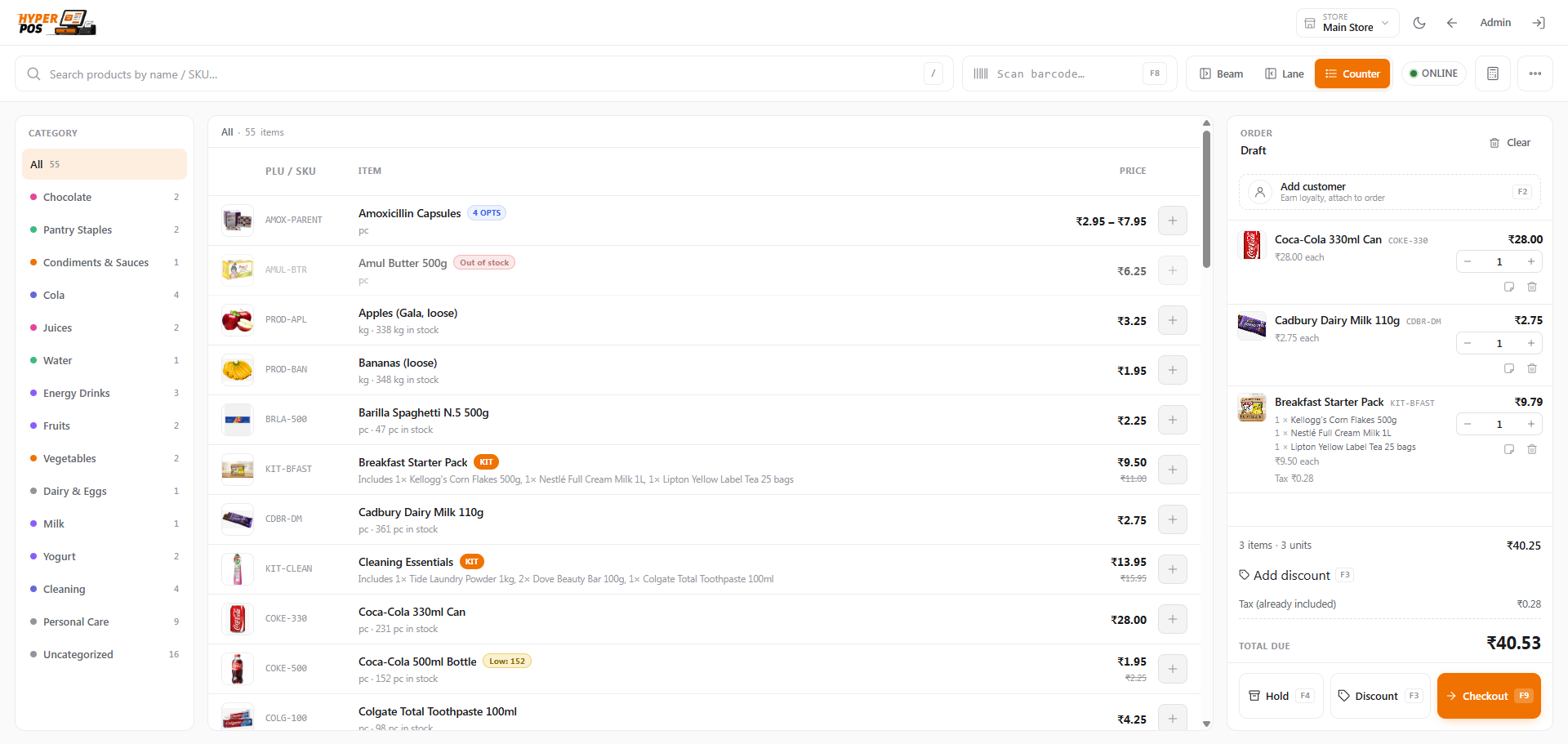

From the first sale to the next store, the parts of your business stay connected.
Scan products, apply discounts, manage taxes, and complete checkout through a focused sales workflow.

Keep customer details and sales history close to the transaction.
Use connected reports to understand sales, expenses, taxes, and trends.
Use private workspaces, plans, billing, and platform-level controls.
Keep common counter actions close, reduce repeated steps, and maintain clear transaction records.
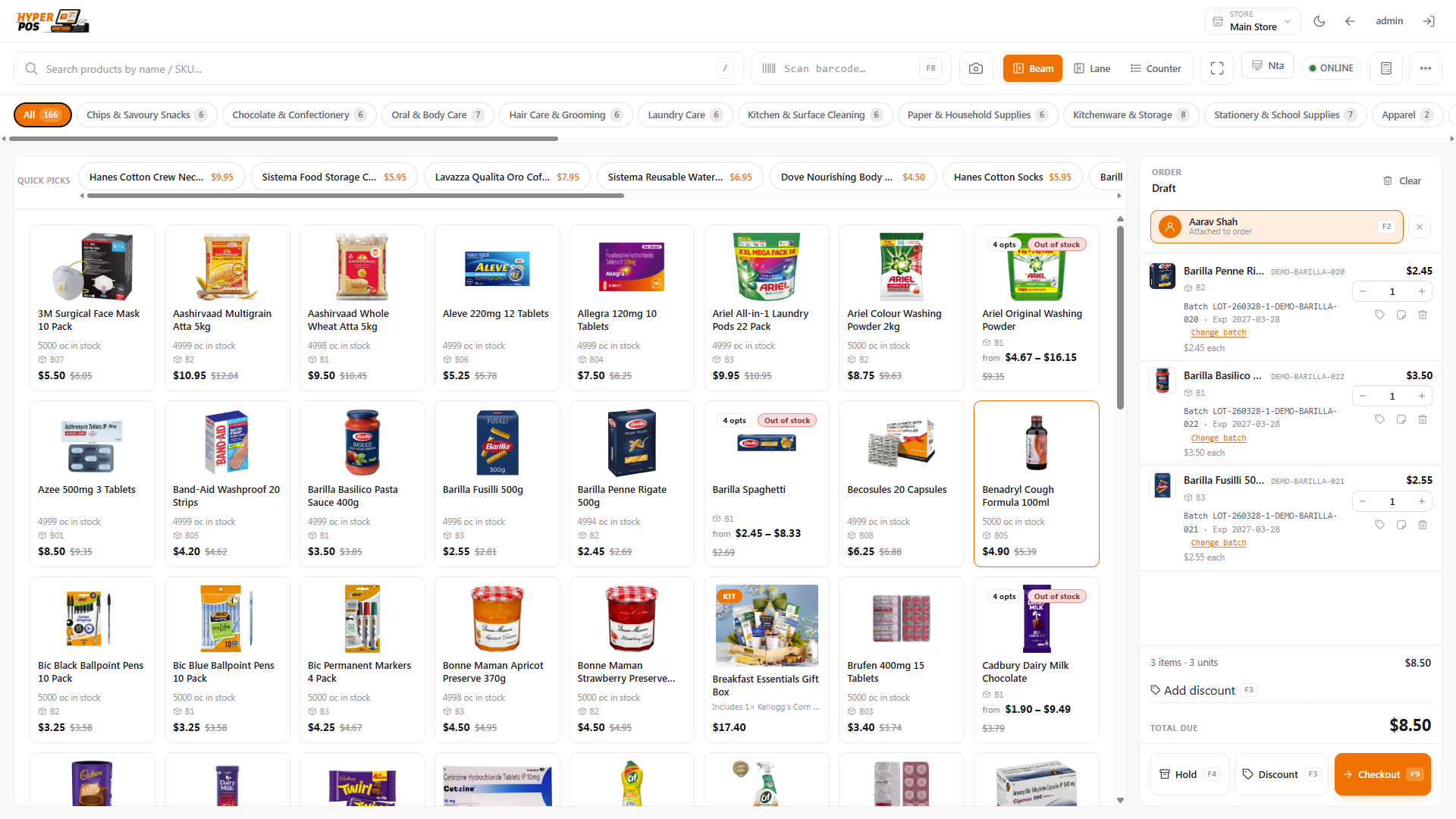
Search, scan, discount, tax, and tender from one workflow.
Keep the operational history needed for reviews and corrections.
Support configured payment methods without breaking the sales flow.
Connect products, purchasing, suppliers, transfers, and store-level stock in one place.
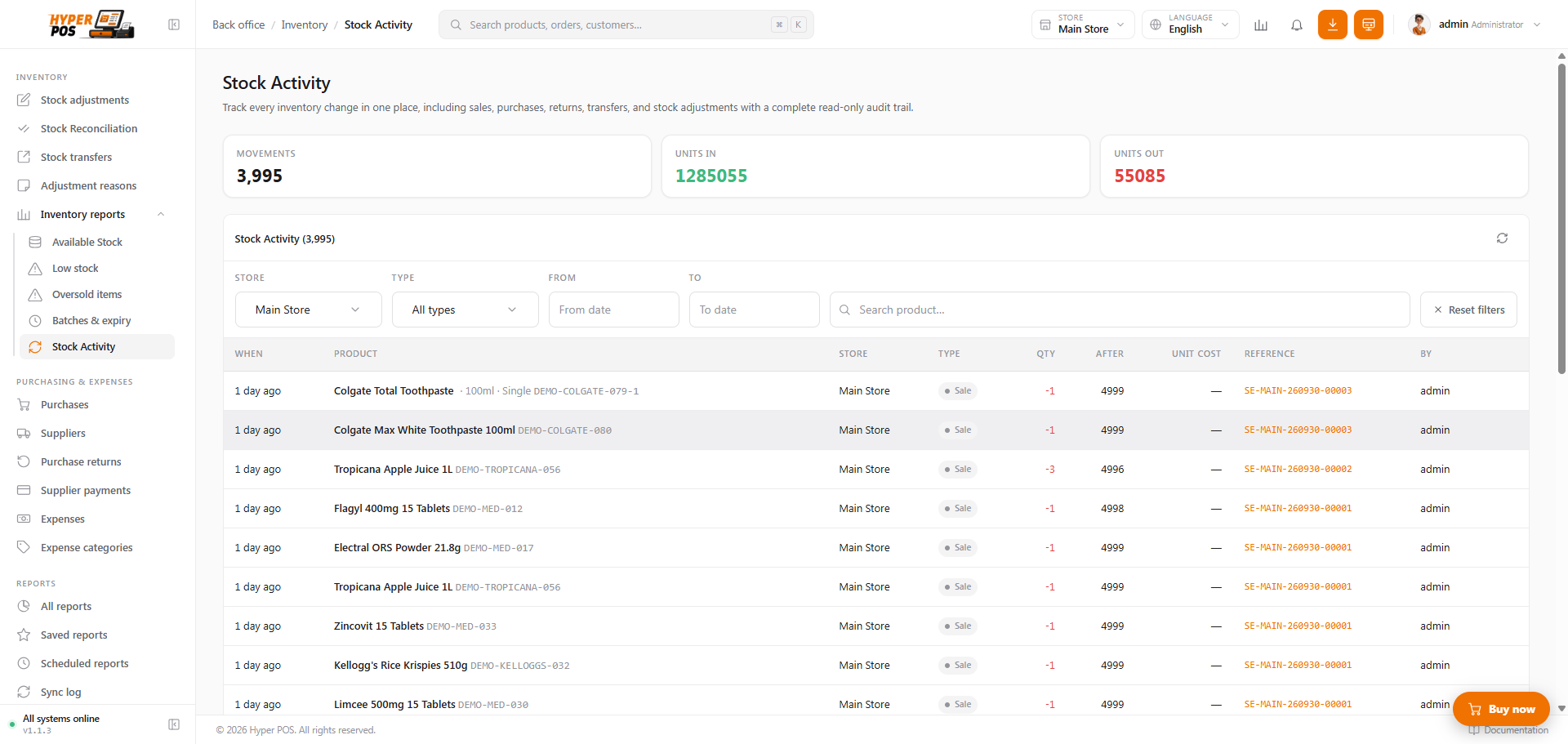
See the right operational picture for every store.
Record purchases and transfers with a clear stock trail.
Use stock information to identify what needs attention.
Understand performance and keep customers, staff, expenses, and business records connected.
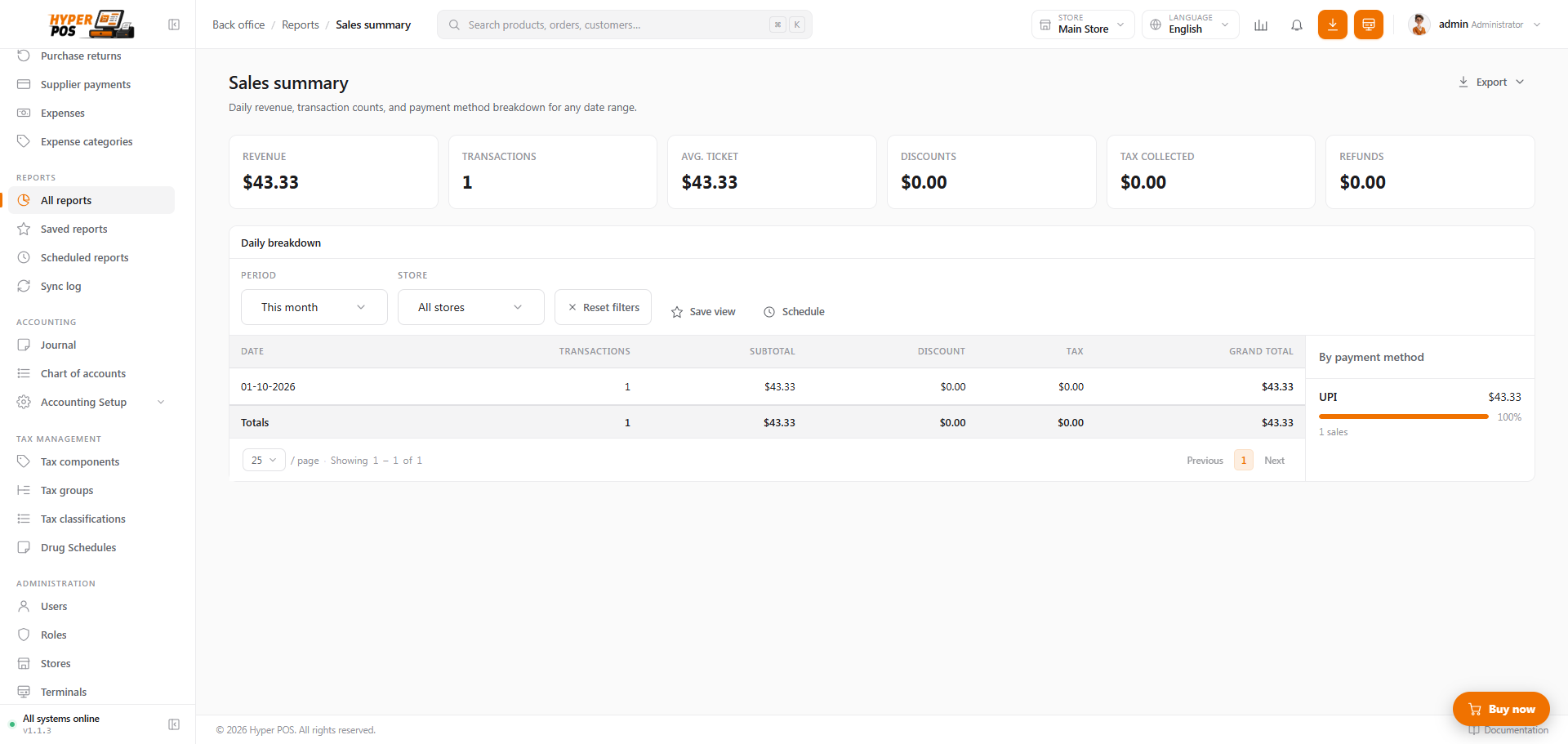
Review the numbers that guide everyday decisions.
Organize relationships and access around the work people do.
Keep expenses, taxes, and accounting information visible.
Give every subscriber a private workspace while the platform team manages plans, billing, access, and service operations.
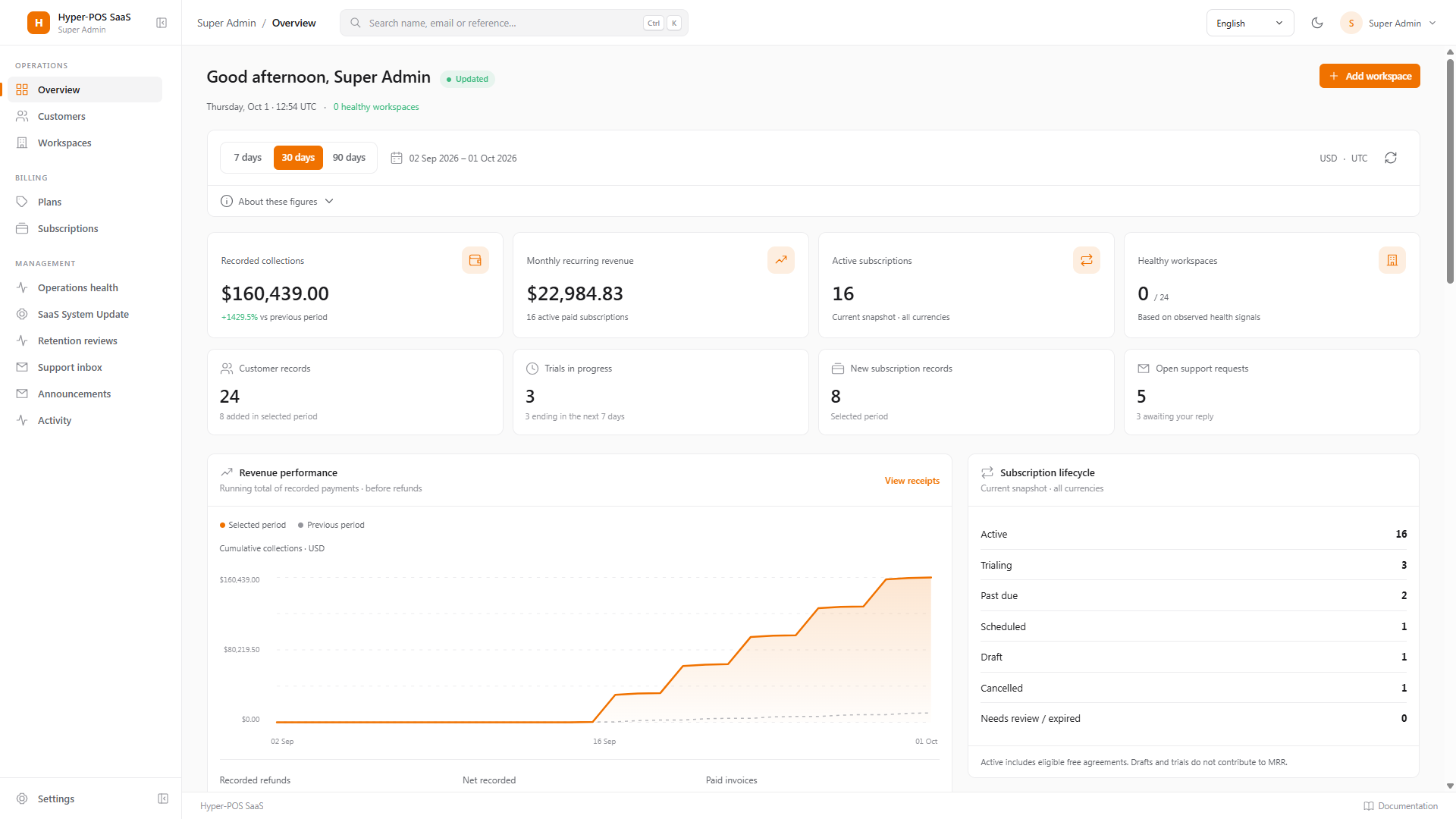
Keep each customer environment isolated and purpose-built.
Connect published plans to the existing registration and billing journey.
Manage service access without weakening workspace boundaries.
Choose a published plan and continue through the secure account and subscription flow.
A practical plan for running and growing your retail operation.
One familiar experience for counter teams, managers, and platform operators.
A barcode becomes a completed sale and updated store stock.
Review the essentials before you choose a plan.
Explore the productAey Gee is a connected retail platform for sales, inventory, customers, staff, stores, subscriptions, and business operations.
Published plans can include store limits or unlimited stores. The plan card shows the current limit configured by the platform administrator.
Availability depends on the configured deployment and the workflows enabled for your workspace. Ask the platform team about your required environment before purchasing.
Supported plan changes are handled through the subscriber billing area and take effect only through the verified billing workflow.
Integration availability depends on the current platform configuration and your plan. Contact the platform team to confirm a specific provider or commerce channel.
Migration scope depends on the source installation, data quality, and hosting model. The platform team can review your installation before confirming a migration path.
Have questions about plans, setup, migration, or integrations? Contact the platform team before you subscribe.
Use the configured contact address for current availability.
Tell us what you need and send your message directly to the platform team.